Keyword search
Popular searches:
Error
An error occurred during the request.
Nothing was found
Try to change the query

.jpg)
We create digital twins of infrastructure objects based on NVIDIA Omniverse, OpenUSD, NVIDIA Cosmos and geospatial data.
Such a digital twin can not only visualize an object, but also model its operation: the movement of people, transport, luggage, cargo, robots, special equipment, cameras, sensors and AI agents.
The solution is suitable for airports, railway stations, transport interchange hubs, ports, logistics hubs, stadiums, bridges, tunnels, and other objects with high traffic density and complex operation.
NVIDIA Omniverse is officially described as a set of libraries and microservices for developing physical AI applications, including industrial digital twins and robotic simulation.
What is a Digital Infrastructure Twin
The digital twin of infrastructure is an interactive 3D environment where buildings, territory, engineering systems, transport flows, passenger routes, cameras, sensors, equipment, and operational scenarios are brought together.
Unlike a standard 3D model, the digital twin answers not only the question “What does the object look like?” but also questions like:
- How does the object operate in different modes?
- Where do queues, jams, and bottlenecks form?
- How do flows change during reconstruction or changes of routes?
- Where is the best place to install cameras, sensors, and navigation?
- How will people, transport, robots, and autonomous systems behave?
- What happens in case of accident, overload, delay, or evacuation?
- How can scenarios be tested before implementation at a real facility?
What Facilities Is It For
|
Airports
|
The airport's digital twin may include terminals, check-in zones, inspection and passport control, boarding gates, baggage systems, aprons, taxiways, aircraft service areas, parking lots, and transport entrances. You can model:
|
|
Railway Stations
|
Station digital twin helps analyze passenger movement, platform load, transfers, queues, navigation, safety, and building operation. You can model:
|
|
Transport Hubs
|
For TIHs, the digital twin lets you unite metro, railways, buses, taxis, private transport, parking, pedestrian routes, and commercial areas. You can check:
|
|
Seaports and Container Terminals
|
The port's digital twin helps to model containers, cranes, stackers, tractors, vessels, rail platforms, and cargo transport. You can model:
|
|
Logistics Hubs and Warehouses
|
A digital twin of a logistics facility helps increase throughput, reduce downtime, and prepare for robotic logistics implementation. You can analyze:
|
|
Stadiums and Public Venues
|
For stadiums, exhibition centers, and public spaces, the digital twin helps to model people flows, security, navigation, and facility operations. You can check:
|
.jpg)
Standard Digital Twin vs Digital Twin with Physical AI
|
Criteria
|
Standard Digital Infrastructure Twin
|
Digital Twin Based on NVIDIA Omniverse and Physical AI
|
|---|---|---|
|
Main Goal
|
Object visualization, condition monitoring, data and event display.
|
Object operation simulation, scenario testing, AI agent training, robot, camera, and autonomous system testing.
|
|
Output Format
|
BIM/CAD model, 3D visualization, dashboard, facility map, dispatcher interface.
|
Interactive 3D environment in Omniverse/OpenUSD with physics, sensors, scenarios, and AI layer.
|
|
Human and Transport Flows
|
Current traffic visualization and statistics.
|
Future scenario modeling: queues, overloads, evacuation, route changes, autonomous logistics.
|
|
Cameras and Sensors
|
Used for monitoring and video analytics.
|
Can simulate coverage zones, blind spots, lighting, weather conditions, and AI analytics.
|
|
AI
|
Usually analyzes already collected data.
|
AI agents can be trained and tested in a virtual environment before deployment.
|
|
Robots and Autonomous Systems
|
Usually shown as separate elements or processes.
|
You can test the movement of robots, autonomous carts, UAVs, special vehicles, and service systems.
|
|
Rare Events
|
Difficult to analyze due to lack of real data.
|
Synthetic scenarios can be created: accidents, evacuations, equipment failures, weather restrictions, non-standard behavior of people or transport.
|
|
Key Value
|
Improved observability and easier management.
|
Transition from monitoring to forecasting, simulation, and digital validation of decisions.
|
Why Physical AI Matters for Infrastructure
Airport, station, port, or transport hub is not a static building, but a complex operational environment. People, vehicles, cargo, luggage, machinery, robots, and service teams are constantly moving within.
Physical AI enables working with such an environment: analyzing space, movement, obstacles, cameras, sensors, flows, and behavior scenarios.
In a digital twin, physical AI can be used for:
- forecasting people crowds;
- queue modeling;
- passenger and cargo flow analysis;
- safety scenario validation;
- autonomous vehicle testing;
- robot and special vehicle movement modeling;
- preparing synthetic data for video analytics;
- AI agent training for facility monitoring and management.
NVIDIA Cosmos is an open platform for physical AI with global foundation models, video processing libraries, assessment tools, and model retraining capabilities.
Notable Example: Singapore Airport Digital Twin
Why Changi Airport is a Benchmark
The Changi Airport in Singapore is one of the most technologically advanced airports in the world and a great example of infrastructure complexity. For such airports, the digital twin is particularly valued as it needs to account for passenger flows, luggage, transport, apron operations, safety, engineering systems, and facility operations.
According to open data by BuildSG, the upgrade of Changi Airport Terminal 2 used digital technologies, including virtual 3D models and specialized simulation software. These tools were applied in planning and designing the upgrade.
Note: Open sources do not confirm that the Changi digital twin was implemented specifically on NVIDIA Omniverse. Therefore, it's more accurate to refer to Changi as a reference for the complexity level of airport digitalization rather than proof of a particular platform.
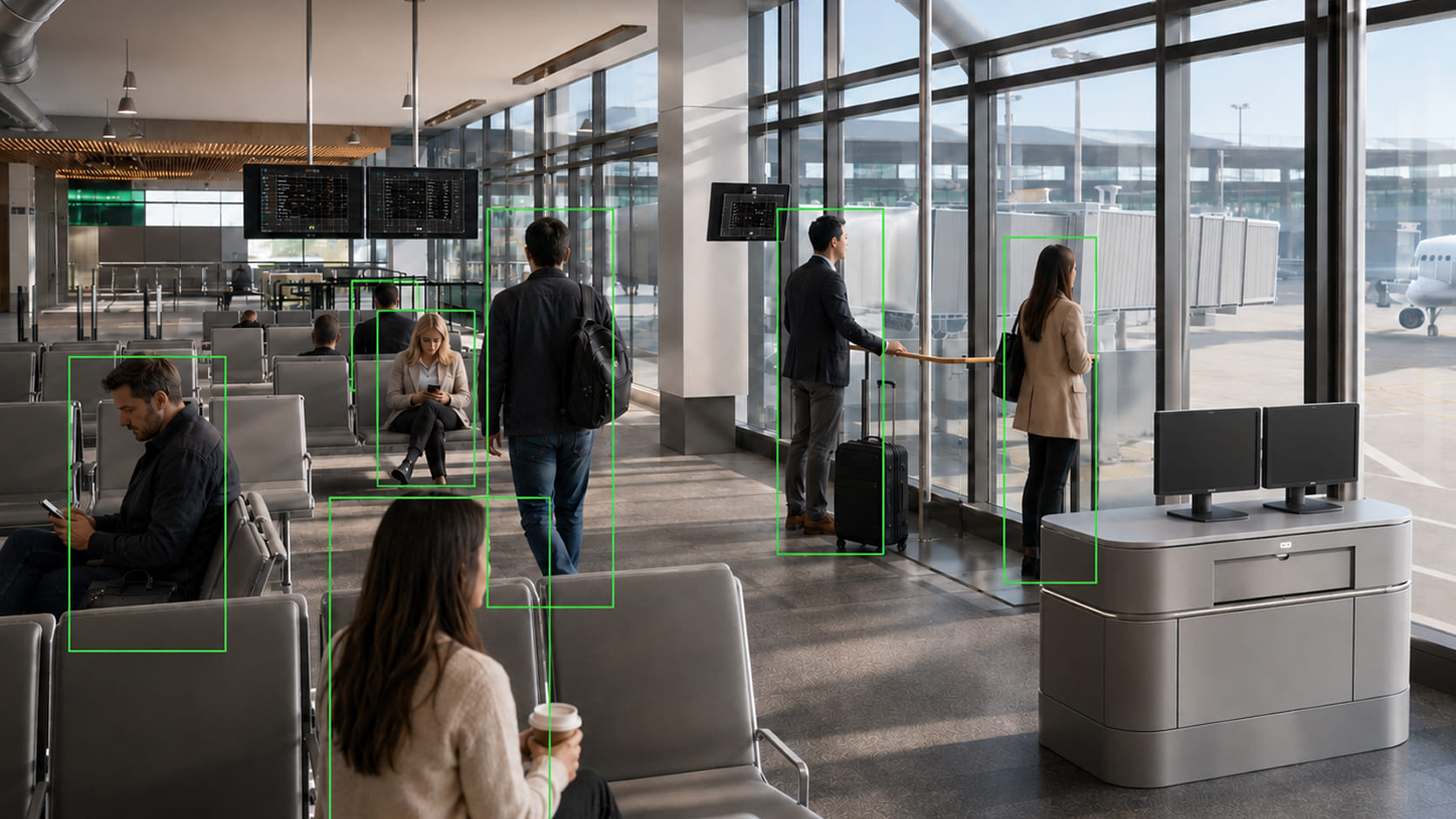
How a Changi-Level Airport Digital Twin Could Look in Omniverse
|
Terminal Layer
|
Model of terminals, check-in halls, inspection zones, passport control areas, boarding gates, commercial zones, elevators, escalators, and walkways. What you can analyze:
|
|
Baggage Layer
|
Model of baggage system: check-in counters, belts, sorting areas, accumulators, robotics systems, and manual handling zones. What you can check:
|
|
Apron Layer
|
Model of the apron, aircraft parking stands, jet bridges, refuelers, catering, baggage carts, cleaning, technical services, and ground support equipment. What you can model:
|
|
Transport Layer
|
Model of driveways, parking, taxis, buses, metro, cargo transport, and passenger logistics. What you can analyze:
|
|
Security and Video Analytics Layer
|
Model of cameras, coverage zones, sensors, security posts, risk zones, and response scenarios. What you can check:
|
Technology Foundation
NVIDIA Omniverse
Engineering 3D-environment for assembling a digital twin, physical simulation, visualization, camera modeling, sensors, robots and autonomous systems. Omniverse is used for developing physical AI applications, industrial digital twins, and robotics simulation.
OpenUSD
Unified scene structure to combine BIM, CAD, 3D models, equipment, sensors, cameras, transport, people, and movement scenarios.
NVIDIA Cosmos
Intelligent physical AI layer: scenario generation, synthetic data, future state prediction, video analysis, and AI agent training. NVIDIA Cosmos is positioned as a platform of global foundational models for physical AI.
Cesium
Geospatial foundation for sites where real territory matters: airports, ports, roads, transport hubs, industrial zones, and distributed infrastructure. Cesium for Omniverse adds 3D-geospatial features and 3D Tiles support to Omniverse.
Kvantron Smart
Applied level of computer vision: object detection, video analytics, identification, quality control, marking validation, and integration with industrial sites.
Infrastructure Twin Architecture
|
Level
|
Role in Project
|
|---|---|
|
GIS / Cesium
|
Geospatial base: territory, coordinates, terrain, roads, buildings, and outside context.
|
|
OpenUSD
|
Unified scene structure for combining BIM, CAD, 3D models, cameras, sensors, transport, and scenarios.
|
|
NVIDIA Omniverse
|
3D environment for visualization, physical simulation, sensor simulation, and working with the digital twin.
|
|
NVIDIA Cosmos
|
Scenario generation, synthetic data, video analysis, physical reasoning, and AI agent training.
|
|
Kvantron Smart
|
Applied video analytics and computer vision for infrastructure and industrial tasks.
|
|
Integrations
|
Connect to BIM, GIS, BMS, SCADA, IoT, cameras, dispatcher systems, and operational data.
|
What the Customer Gets
|
For Design
|
|
|
For Operation
|
|
|
For Safety
|
|
|
For Robotization
|
|
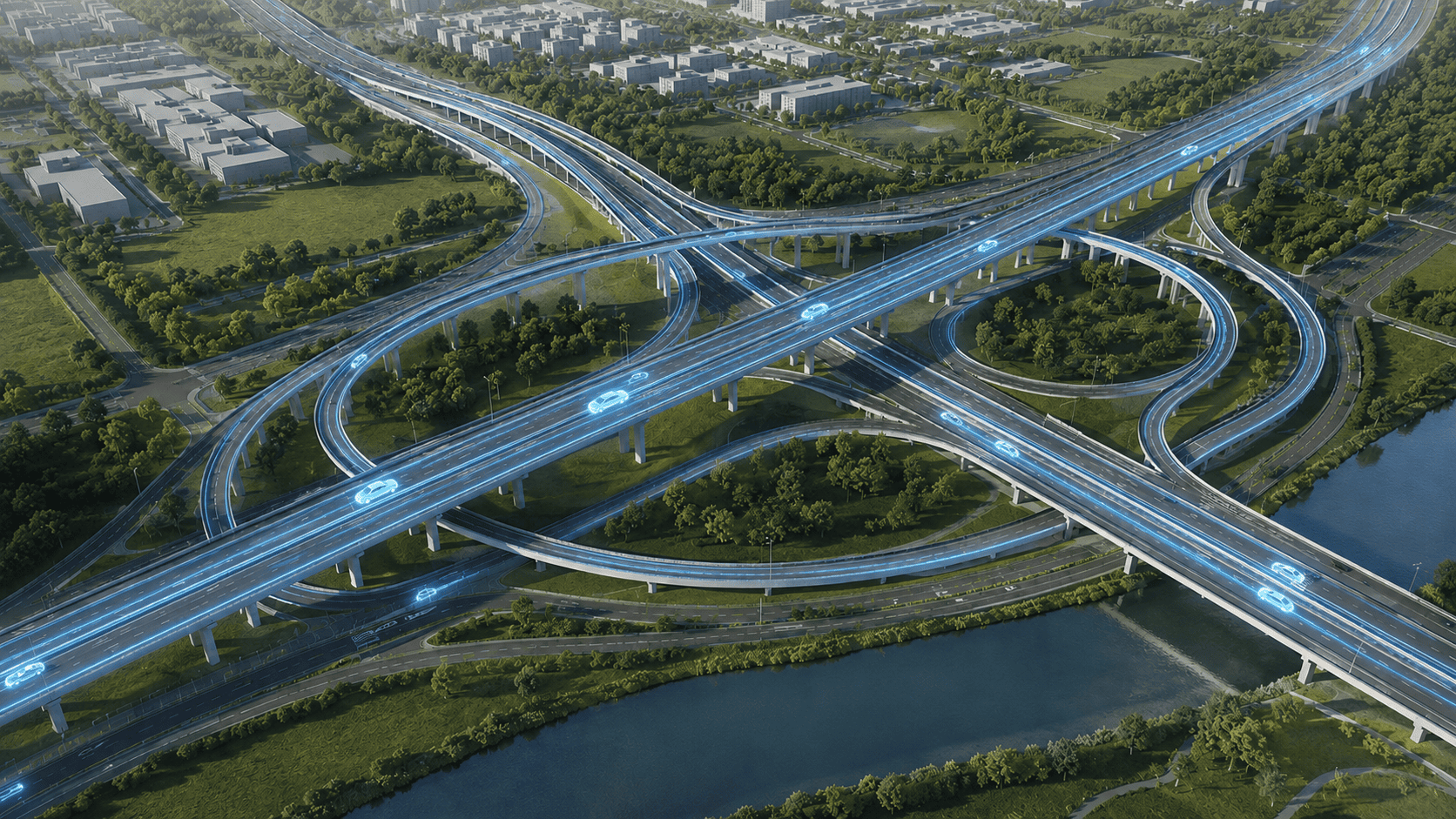
Digital Twin Creation Steps
1. Task Definition
Defining the project objective: design, operation, passenger flows, safety, robotization, video analytics, UAVs, logistics, or facility management.
2. Data Collection
Collecting BIM, CAD, GIS, 3D models, plans, flow diagrams, camera data, sensor data, BMS, SCADA, operational data, and facility regulations.
3. 3D Foundation Creation
Building a model of the territory, buildings, premises, roads, traffic zones, engineering objects, and key equipment.
4. Scene Assembly in Omniverse / OpenUSD
Uniting data into a single scene suitable for visualization, simulation, and future development.
5. Scenario Setting
Adding passenger, transport, cargo, service, emergency, and operational scenarios.
6. Add Physical AI
Connecting AI scenarios, synthetic data, video analytics, object behavior modeling, and AI agent testing.
7. Integration with Facility Systems
If required, linking the digital twin with cameras, sensors, BMS, SCADA, dispatcher systems, safety systems, and operational databases.
8. Handover and Support
Transferring the model, scenarios, documentation, visual materials, and ongoing digital twin support.
Data That May Be Needed
For the project you may use:
- BIM/CAD models;
- GIS data;
- architectural plans;
- flow diagrams;
- passenger or cargo flow data;
- 3D equipment models;
- facility photos and videos;
- camera and sensor locations;
- BMS, SCADA, IoT data;
- operation regulations;
- safety and evacuation scenarios.
Summary
Standard digital infrastructure twin helps you see the object, its data, and current condition.
Digital twin on NVIDIA Omniverse and Physical AI allows you to simulate, forecast, and validate facility performance in various scenarios in advance: from passenger flows and video analytics to autonomous robots, UAVs, evacuation, and emergency events.
For airports, stations, ports, logistics hubs, and large city objects this is a shift from a static model to an intelligent virtual management environment for future infrastructure.
A Digital Twin for Your Task
We will create a digital twin of an airport, station, transport hub, logistics hub, port, stadium, industrial site, or other infrastructure object.

Describe your task
We will propose the digital twin architecture, data list, project stages, and use cases.
.png)


-
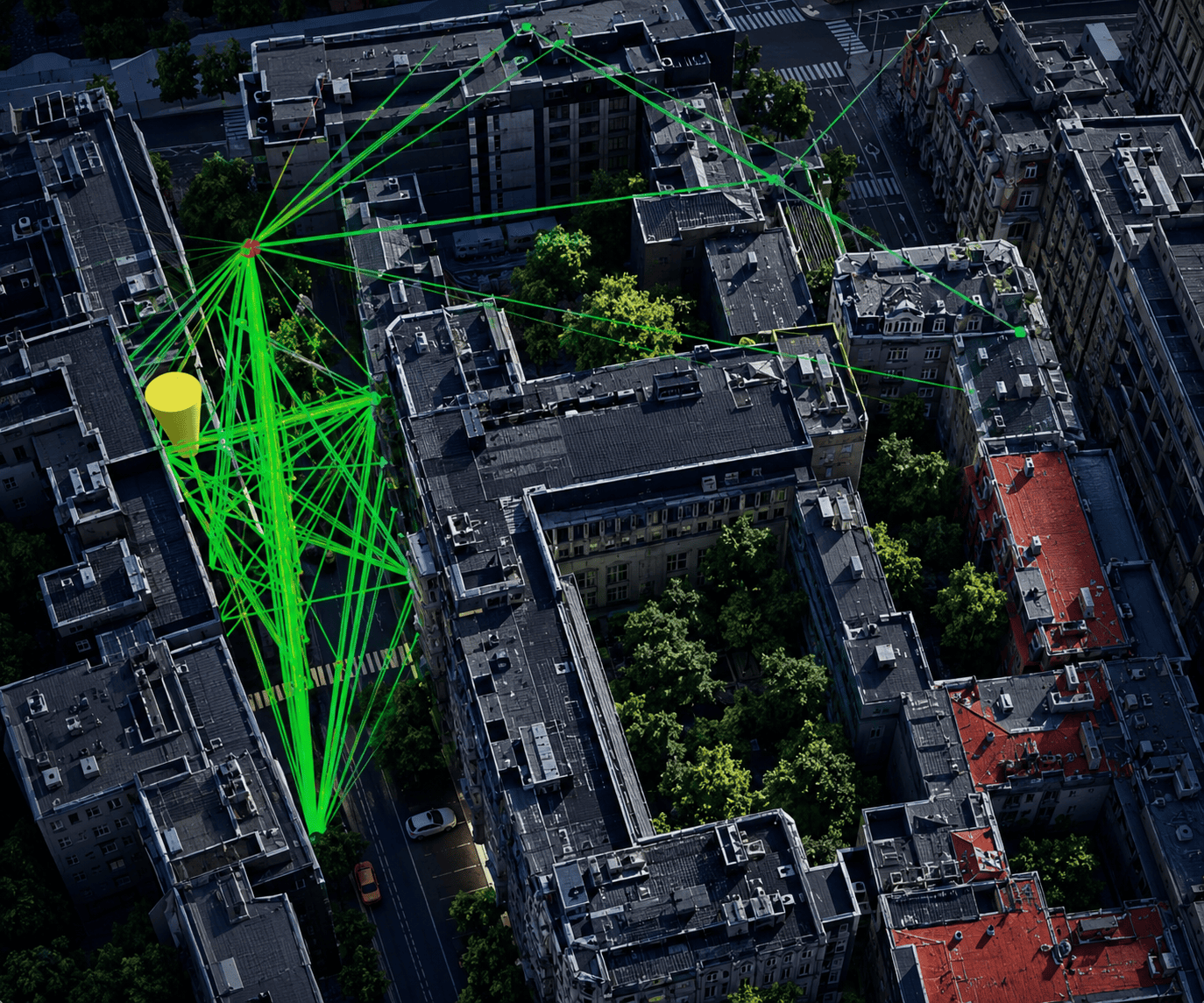
Digital Infrastructure
Simulation of airports, stations, transport hubs, ports, and complex urban infrastructure facilities
-
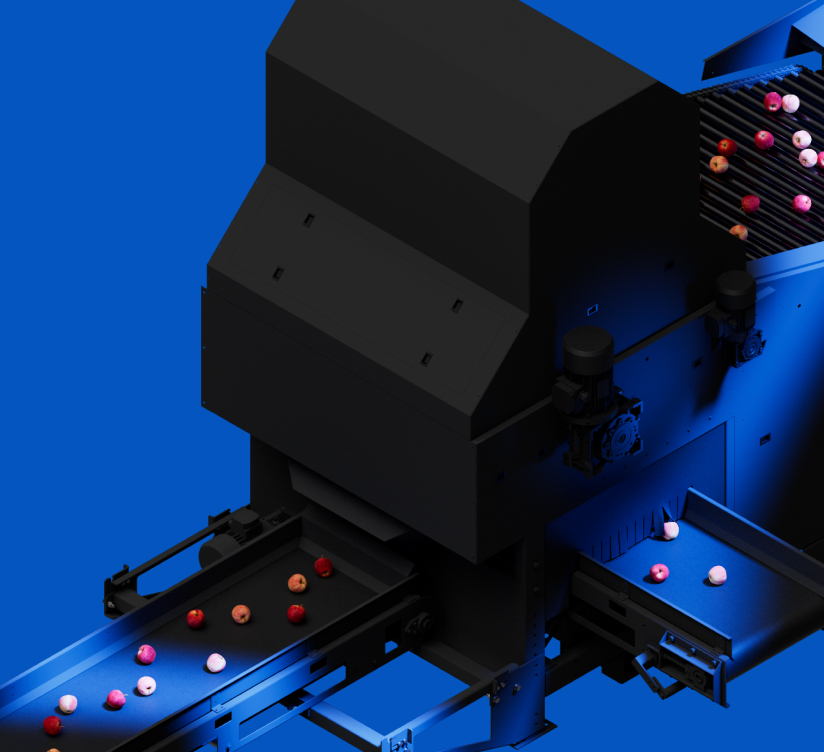
Size and Shape Control
Automatic geometry measurement, contour analysis, and detection of shape deviations on the production line.
-
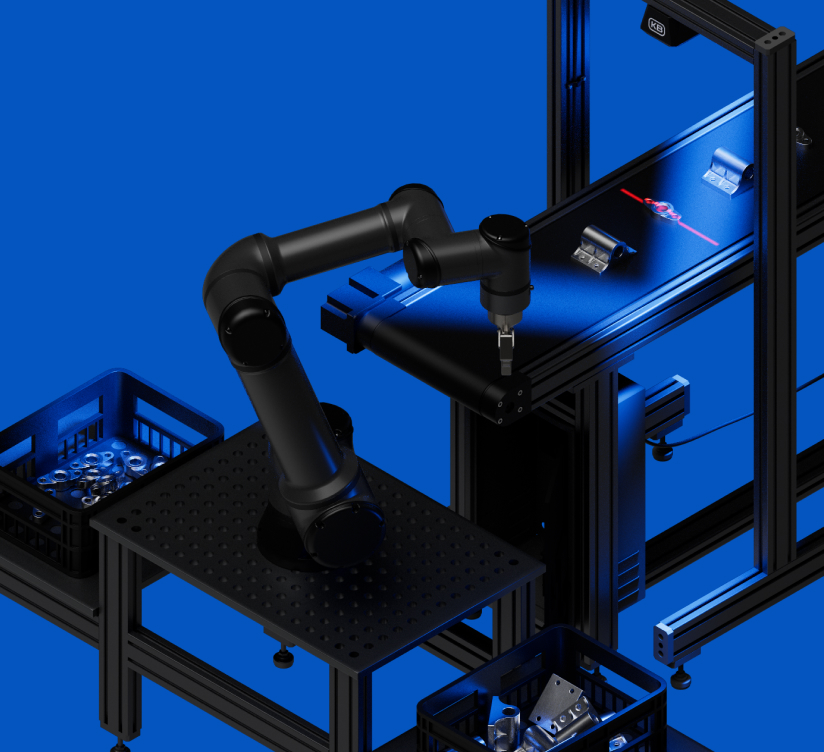
Assembly Control
Automated check for product completeness, correct placement of components, and presence of packaging elements.
-
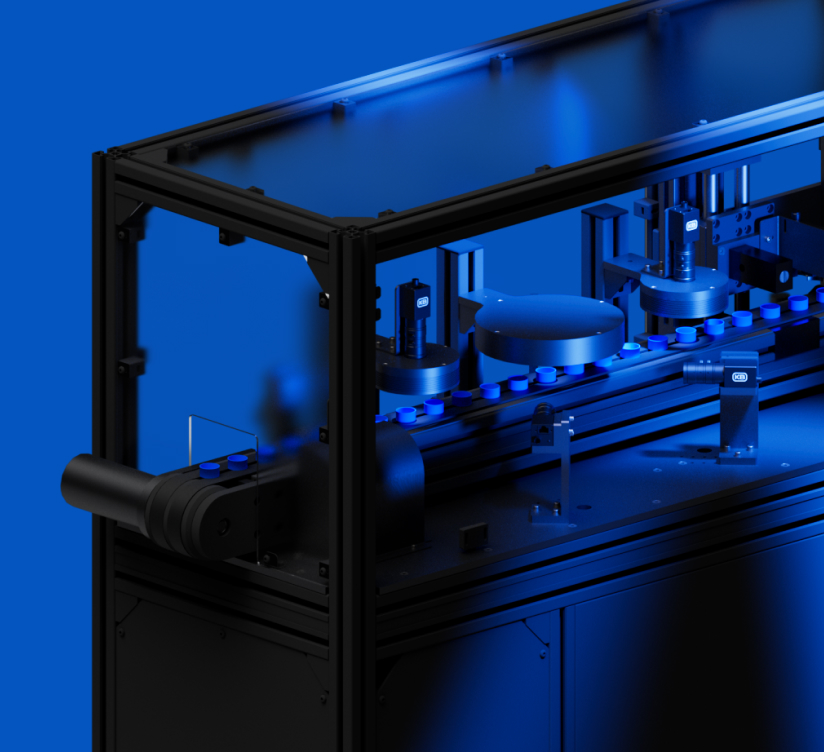
Visual Quality Control
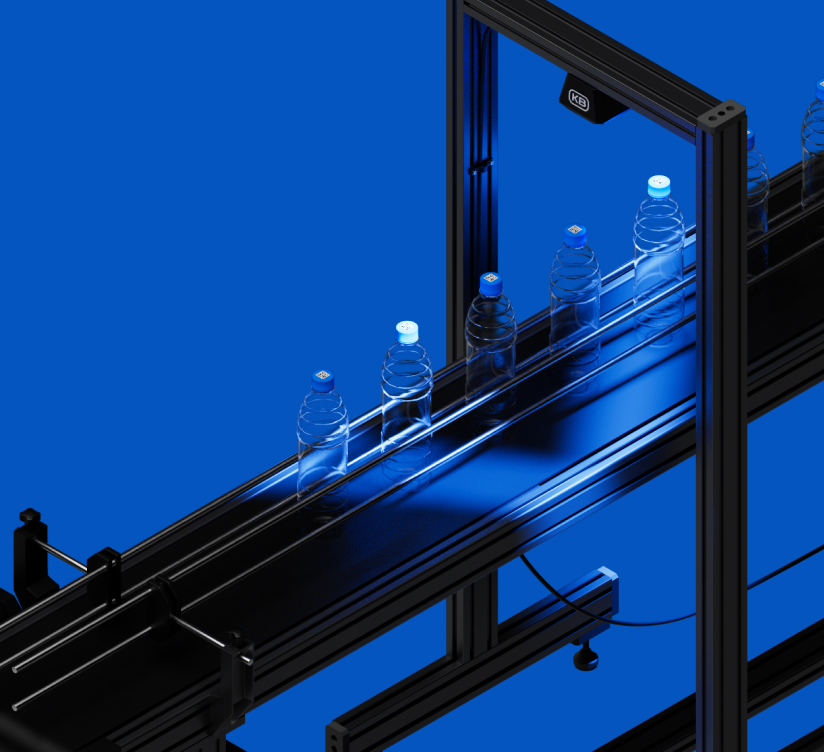
Automatic detection of damages, surface defects, and printing errors using machine vision.
-
Inspection Complexes for Customer Tasks
We develop comprehensive machine vision systems tailored to specific products, materials, production lines, speeds, and quality requirements.
Service & Support
Need help? Contact us in any convenient way.
-
+7 (4912) 72-22-701.
Call
Support specialists are available around the clock and are ready to help with any questions.
-
2.
Message Us
Message us on Telegram. We will reply shortly.
-
Open Form3.
Create a Request
Describe your request in detail using the feedback form.